
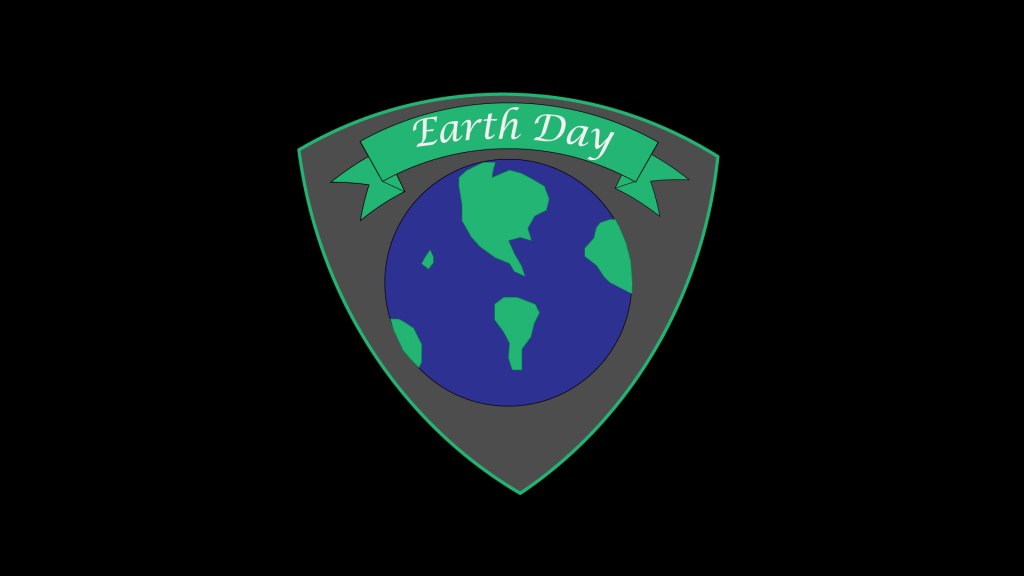
The initial design of my logo was a very simplistic version of my final logo. In my first one, I just had the earth and the banner, I didn’t have a background or any more designs. After my group and instructor feedback, I decided to add some more details to my logo. My group members also said I should add more details and make backgrounds so I started brainstorming on what I should add. A background was necessary because it was so plain with the white, bland background. I decided to add a black background and it made everything pop and look more professional.
Another thing I added was a shield design behind my earth and banner. This made it actually seem like a logo. I see car logos all the time and some of them have a shield logo, so I thought it might make it look classier and more professional if I added a shield logo behind everything. I also gave the shield a stroke around it and I increased the stroke until I thought it looked good enough. I made the stroke green so it would look nicer with the green in the earth and the banner. The shield itself is grey and at first I tried white, and it didn’t look good and I thought grey was a nice mixture of the dark and light colors.
Lastly, my instructor advised me that I should change the font, because some of the fonts don’t look as professional as others, so I changed it to a better, crisper font. I think the new font looks way nicer than it did before and has more of an elegant look to it. Overall, I am glad on how my logo turned out and in my eyes I think it looks great and it represents a good cause, to raise awareness of how we are treating our one and only planet we call home.
 Bridgers Blog